
BUILT FOR MARKETING TEAMS
Install on Shopify
Four problems with influencer seeding on Shopify
The list lives in a spreadsheet
Your marketing team plans each seeding campaign in a sheet, and Shopify has no built-in way to upload it. Someone ends up entering orders one at a time.
Every creator gets a different box
Product, size, shade and note change from person to person. Copying that by hand is where the wrong kit goes to the wrong creator.
A mailing that bounces costs you the product, the shipping and the timing of the launch. Catch it before the order exists.
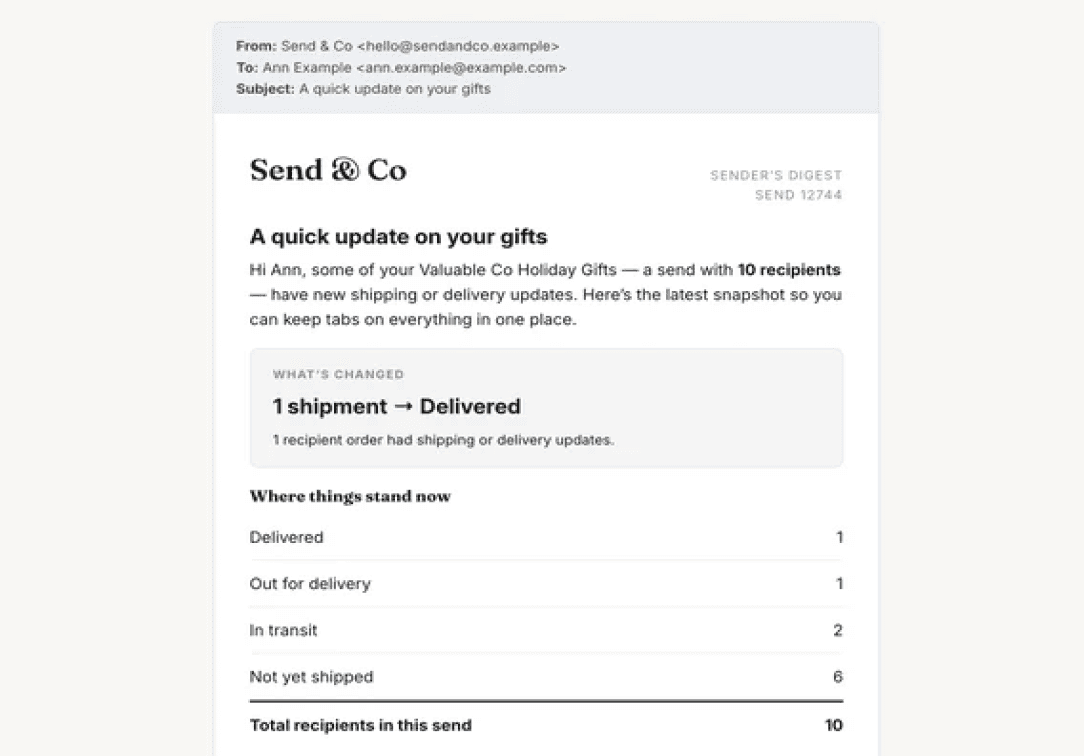
Once orders go out, someone has to answer "did it arrive?" for every creator. That gets hard fast when the mailings sit outside your store's order history.
In Admın
Bulk order upload
Upload your team's sheet as a CSV, and map the columns, assign products per recipient, validate every address, review the drafts, and generate the orders in Shopify.
Get started →
In ADMIN
Get started →


FAQ
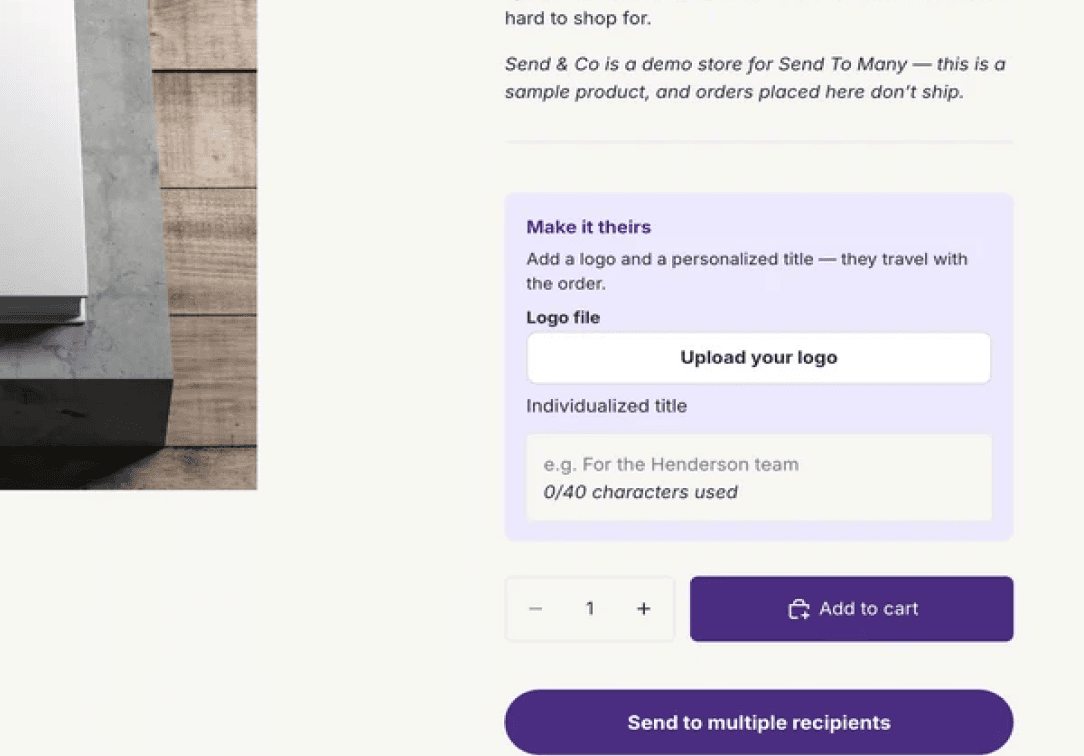
Follow our step-by-step guides to configure your gifting experience and start accepting multi-recipient orders on your Shopify store.
What is influencer seeding?
Can I upload an influencer list to Shopify as orders?
Can each creator get different products?
Does Send To Many check addresses before orders are created?
Can I stop shipping emails from going to creators?
Can I process mailings as no-charge orders?
GETTING STARTED
Get started →

loved by





© 2026 Send To Many. All rights reserved.